Your Registrations
Finding Your Registrations
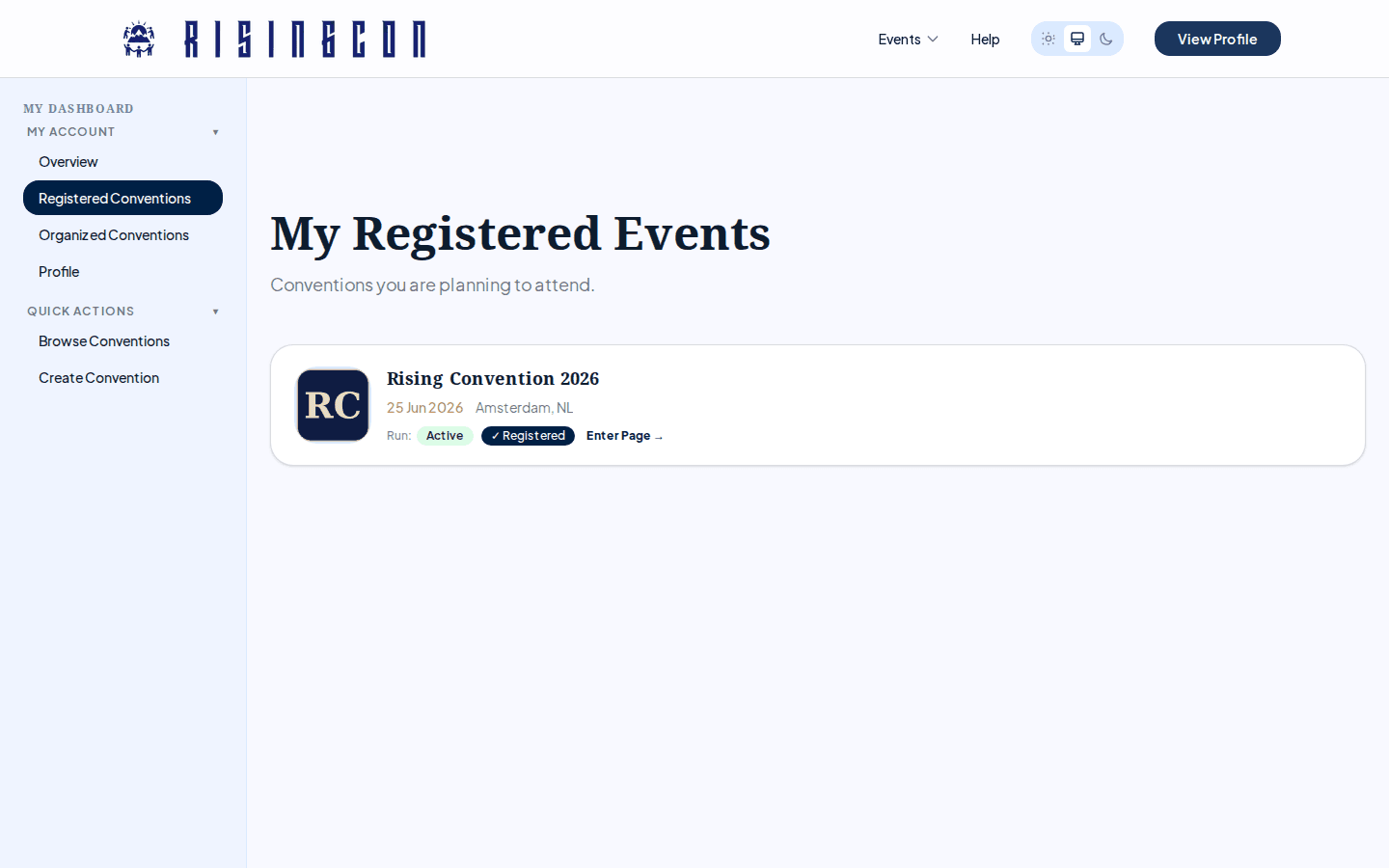 The My Registered Events dashboard page showing registered conventions or an empty state
After logging in, open your dashboard and click Registered Conventions in the sidebar. The My Registered Events page lists every convention you are currently registered or waitlisted for, along with the status of each registration.
Registration Statuses
| Status | Meaning |
|---|---|
| Registered | Your registration has been accepted. You are confirmed for this convention. |
| Waitlisted | The convention is full. You are in the queue and will be automatically moved to Registered if a spot opens — no action required. You will get an email when this happens. |
Cancelled registrations are not shown in this list — if you cancel (or are removed by the organiser), the convention simply disappears from the page. You can register again from the convention's page while registration is open.
Convention Information
Clicking on a convention in your registrations list takes you to that convention's public page, where you can find the latest information about dates, location, and schedule.
Questions About Your Registration
If you have questions about your specific registration — such as whether payment is needed, what to bring, or if you can make changes — contact the convention organiser directly. Contact details can be found on the convention's page.