Viewing Convention Details
When you open a convention page, you will find two main tabs: Home and Details. The Details tab contains the practical information you need before registering.
Good to Know
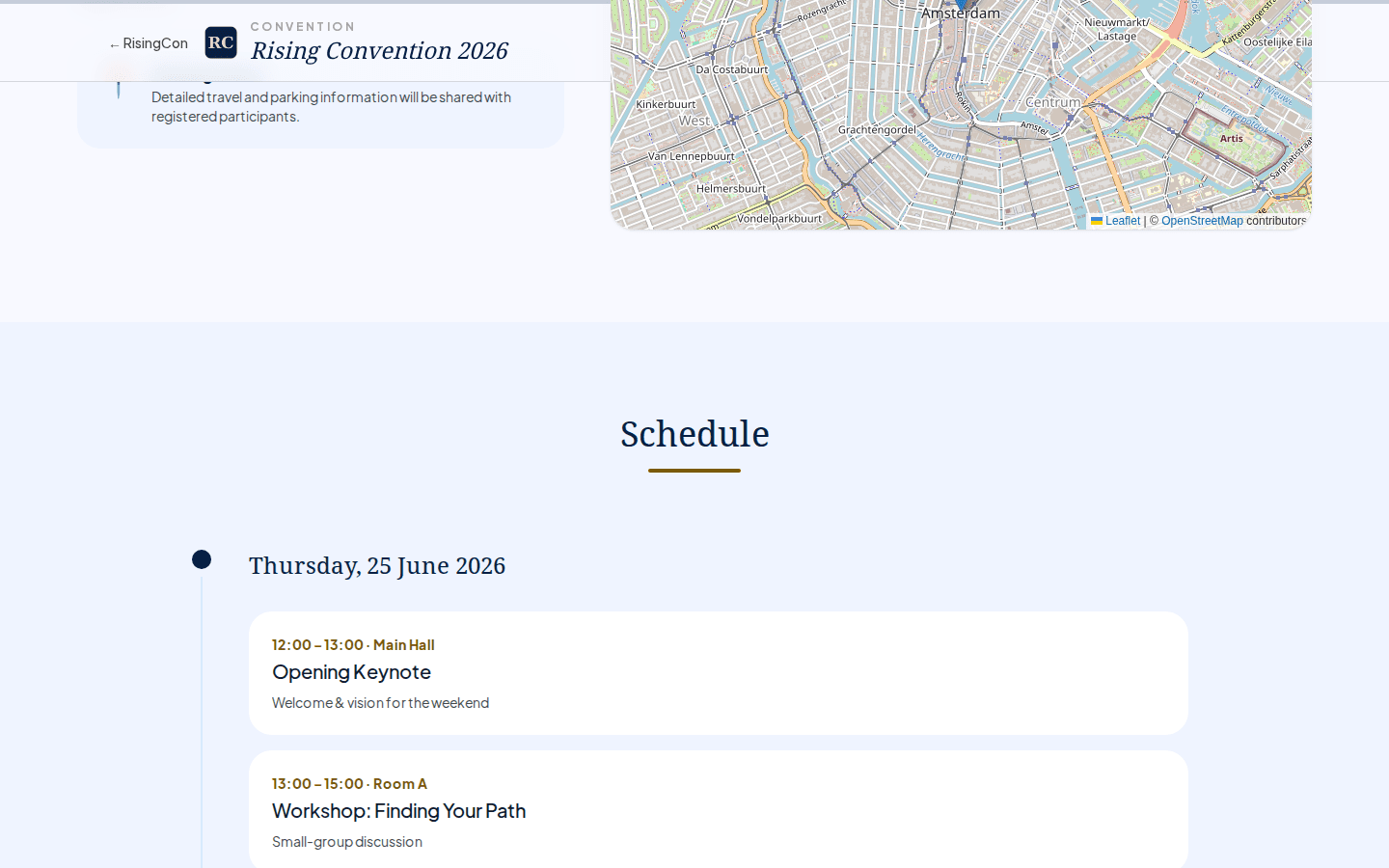 The convention details page showing the event header, location information, and a summary card with dates and fees
The Details page shows a summary card with key facts at a glance:
| Field | Description |
|---|---|
| Dates | Start and end date of the convention event. |
| Location | Venue or city (shown as "to be announced" if not yet confirmed by the organiser). |
| Registration | The fee for the event (e.g. "Fee: €25.00") — free conventions show "Free event" instead. |
| Seats | The total number of seats the organiser has configured (not the number remaining). If the convention has no seat limit, this is shown as "Unlimited". When the limit is reached, registration switches to a waitlist. |
Schedule
If the organiser has published a schedule, you will see a day-by-day view of sessions below the summary card. Sessions are grouped by day and show:
- Session title and speaker (if set)
- Start and end time
- Location or room (if set)
Use the schedule to plan which sessions you want to attend and to check whether the dates work for you before registering.
If no schedule has been published yet, the section will indicate that.
Participants List
If the organiser has enabled the public participants list and the convention is active, you can see a list of registered participants who have opted in to being shown publicly. The list displays first names only (other names are shortened to initials).
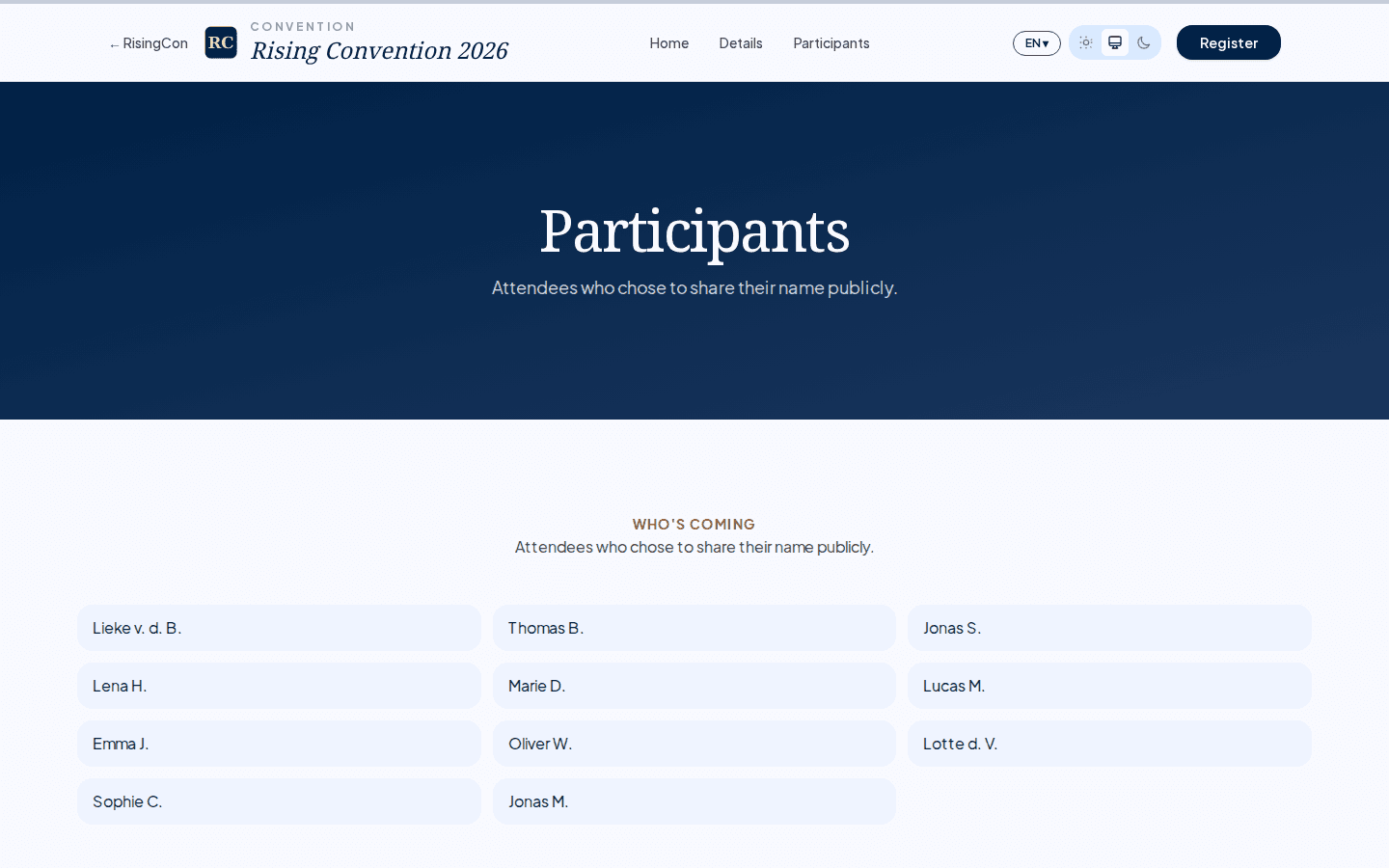 The public participants page showing a grid of attendees who consented to appear, with surnames shortened to initials
While nobody is listed yet, the page shows the total number of seats instead (when the event has a seat limit).
Registering from the Details Page
A Register Now button at the bottom of the Details page takes you to the registration form. If registration is open you can submit with Register (or Join Waitlist when the event is full); otherwise the page tells you that registration is not open yet, has closed, or has ended.