Browsing Conventions
Finding Conventions
Upcoming conventions are shown as cards on the RisingCon home page. Each convention card shows:
- The convention logo and name.
- The registration status.
- The dates of the event.
- The location.
- A seats bar showing how many of the available seats are taken (when the event has a seat limit).
For the complete list, open the Events menu in the top navigation bar and choose view events — conventions there are grouped into Upcoming, Planned, and Past.
Click any convention to open its own page.
The Convention Home Page
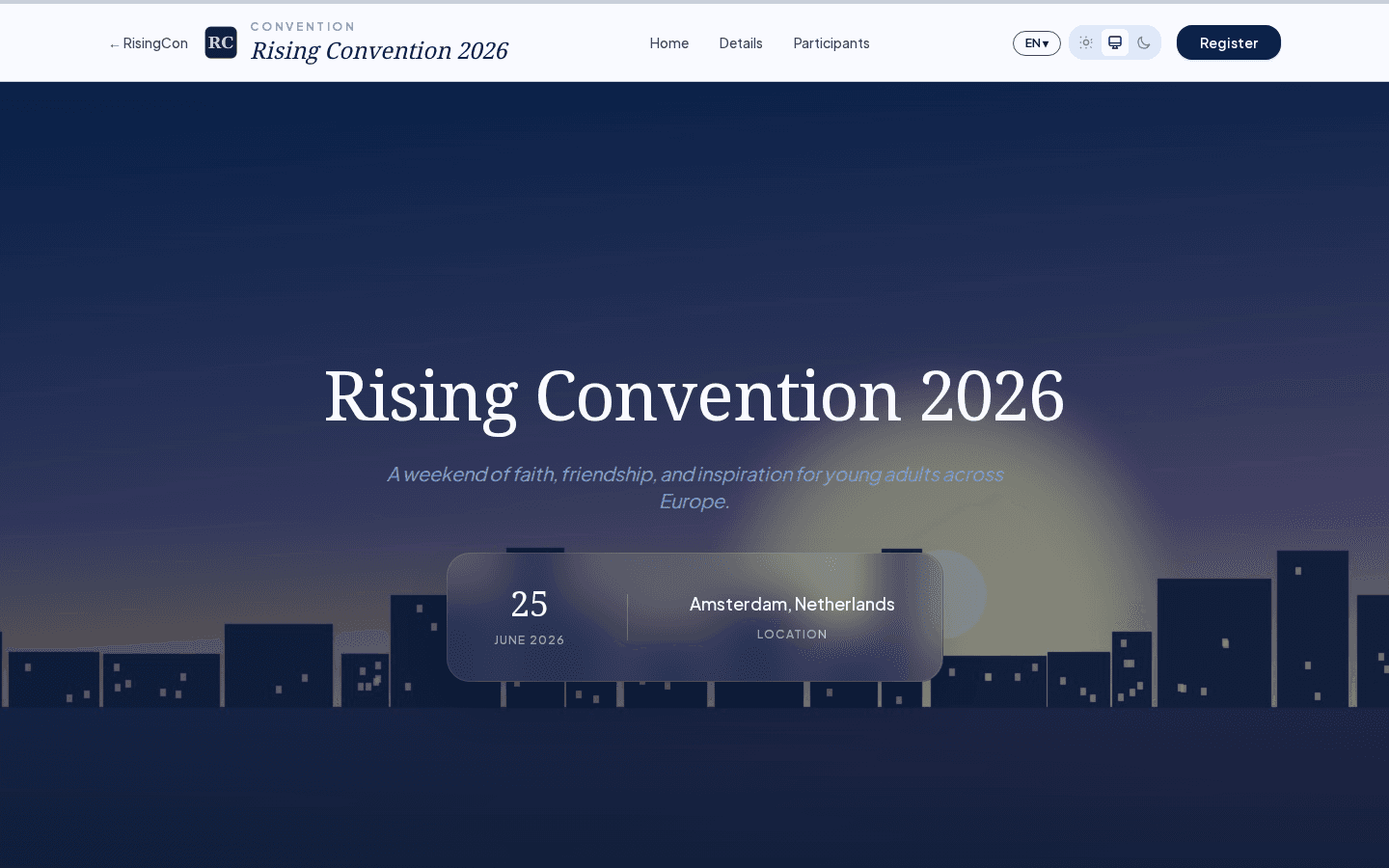 A convention home page showing a dark hero banner with the convention name, dates, and a Register button
Every convention has a dedicated home page, set up by the organiser. It typically includes:
- A banner with the convention name and dates.
- An introduction or welcome text.
- Key information such as location, age range, and language.
- A Register button (if registration is open).
The Details Page
The Details tab on a convention page shows additional structured information the organiser has provided, such as schedule highlights, venue details, or what to bring.
Language Support
Some conventions publish their content in multiple languages. If the organiser has enabled this, you will see a language selector at the top of the convention page. Switching languages updates all text on the page.
Convention Status
Conventions can be in several states:
| Status | Meaning |
|---|---|
| Open | Registration is currently accepting participants. |
| Closed | Registration has ended or the event has passed. |
| Draft | The convention is being prepared and is not yet visible to the public. |
Only open conventions show the Register button.