Getting Started
Welcome to RisingCon — the platform for discovering and attending young adult conventions across Europe.
Creating an Account
To use RisingCon you need a free account.
- Open the platform and click Sign In in the top navigation bar.
- On the sign-in page, click Create one to switch to the registration form.
- Enter your first name, surname, gender, date of birth, email address, and a password. You can optionally add your country and church details.
- Tick the two checkboxes confirming that your information is correct and that you agree to the Privacy Policy.
- Submit the form. You will receive a verification email at the address you provided.
- Open that email and click the confirmation link. Your account is now active and you can sign in.
Your date of birth is used by convention organisers to confirm you meet the age requirements for their events (typically 18–35). It is not shared publicly.
Logging In
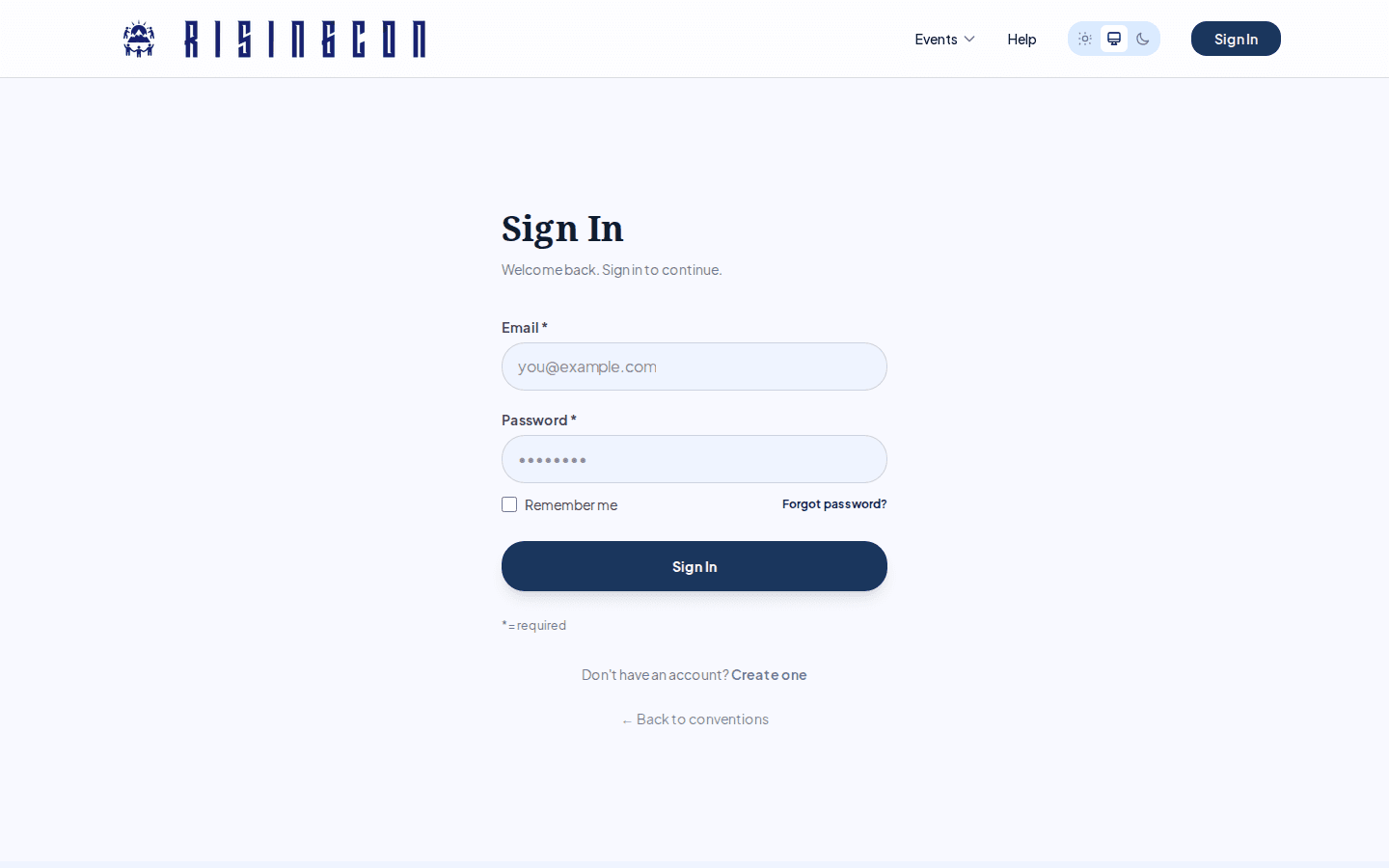 The RisingCon sign-in page with email, password fields and a Sign In button
- Click Sign In in the top navigation bar.
- Enter your email address and password.
- Click Sign In. You will be taken to your dashboard.
If you have forgotten your password, click Forgot password? on the sign-in page. You will receive a reset link by email.
Email Verification
You must verify your email address before you can sign in — accounts with an unverified address cannot log in. If you did not receive the verification email:
- Check your spam folder.
- If it still hasn't arrived, contact support.
Your Dashboard
After logging in, you land on your personal dashboard. From here you can:
- Browse and find new conventions.
- View the conventions you have already registered for.
- Manage your profile.